




Upgrade your Bose Wave Radio or Music System with wireless Bluetooth streaming using an audiophile DAC. Step-by-step setup and cable matching guide.
The Bose Wave Radio and Wave Music System series (Series I, II, III, and IV) remain popular for compact room-filling acoustic waveguide sound. Many households continue using them daily on kitchen counters, nightstands, and office shelves.
The primary limitation of legacy Wave systems is wireless connectivity. Older models lack Bluetooth, and even later revisions that included proprietary Bose Bluetooth docks or SoundTouch adapters often suffer from dropped connections, obsolete 30-pin connectors, or abandoned software apps.
Adding high-resolution Bluetooth streaming to a Bose Wave system takes under two minutes. You only need an external Bluetooth receiver with a clean line-level DAC output and the correct adapter cable.
Which Bose Wave Models Can Be Upgraded?
Every tabletop Bose Wave system includes an analog auxiliary input on the rear panel:
- Bose Wave Radio (AWR1-1W / AWR113): Original models featuring dual RCA analog AUX IN jacks.
- Bose Wave Radio/CD (AWRC-1G / AWRC-1P): Standard dual RCA analog AUX IN jacks.
- Bose Wave Music System (Series I, II, III, and IV): Compact 3.5mm (1/8-inch) stereo mini-jack labeled AUX IN.
- Bose Acoustic Wave Music System (CD-3000 / II): Dual RCA line-level AUX jacks.
Cable Requirements: 3.5mm vs. Dual RCA
Customer inquiries show that cable mismatches cause the most common setup confusion when upgrading a Bose Wave unit.
- If your Bose Wave has a 3.5mm AUX IN port (Wave Music System II, III, IV): Use a stereo RCA-to-3.5mm cable. Connect the RCA plugs to the audio outputs on your Bluetooth receiver, then plug the 3.5mm connector into the AUX IN jack on the back of your Bose unit.
- If your Bose Wave has Dual RCA inputs (Original Wave Radio & Acoustic Wave): Use a standard stereo RCA-to-RCA cable (red and white connectors).
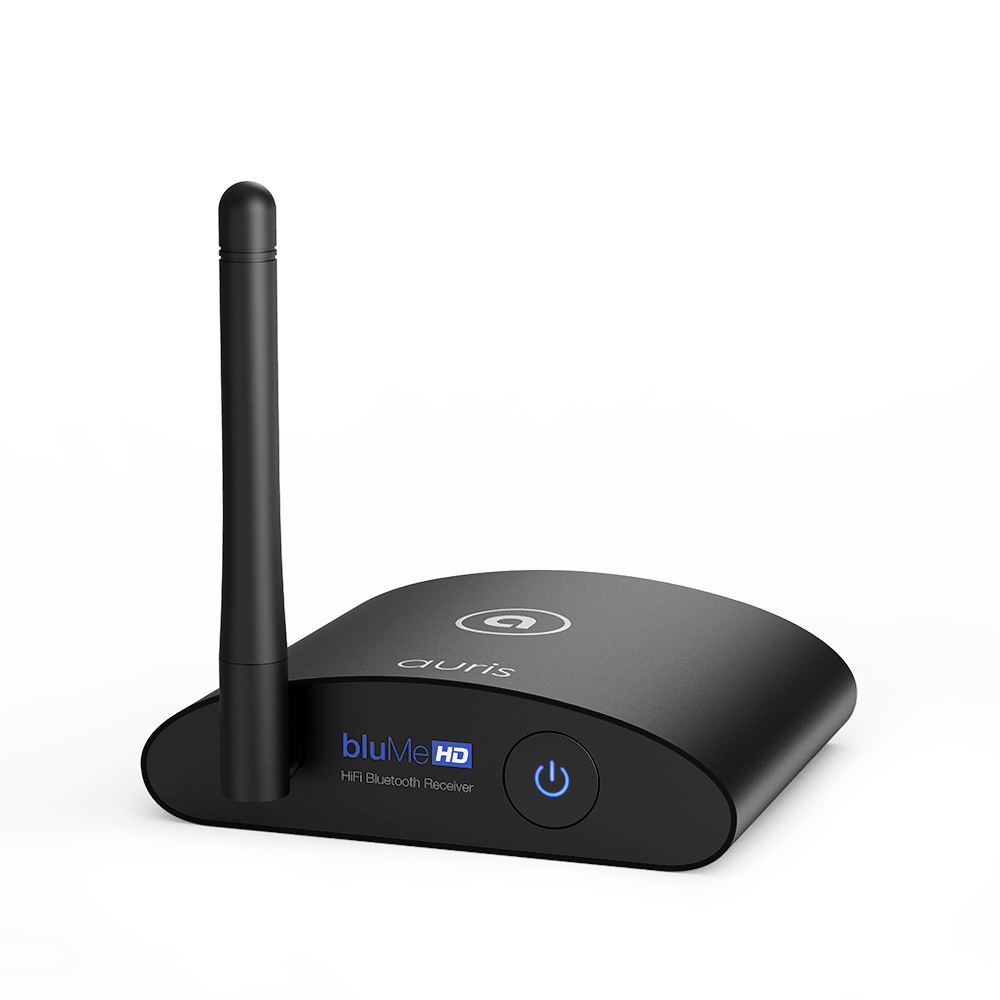
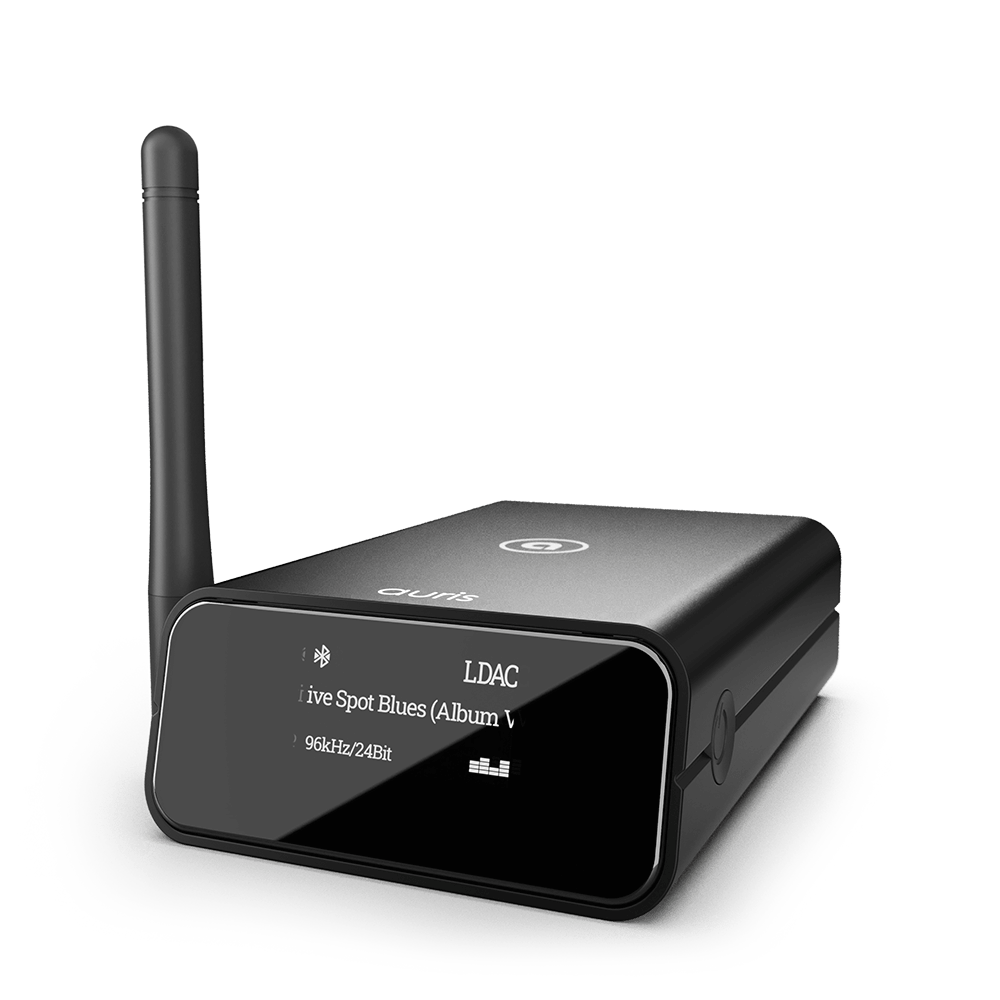
Both the bluMe Pro and bluMe HD include gold-plated RCA outputs and ship with matching interconnect cables in the box.
Step-by-Step Setup Guide
Follow these steps to wire and configure your Bluetooth receiver:
- Connect Audio: Plug the audio cable into the analog outputs of the Bluetooth receiver, then plug the other end into the AUX IN port on the rear of your Bose.
- Connect Power: Power the receiver with the included USB cable and 5V power adapter. Keep the power adapter plugged into a standard wall outlet rather than an unpowered USB hub to prevent ground hum.
-
Switch the Bose Input: Press the AUX button on the top panel or the Bose credit-card remote until the front display shows
AUX. - Pair Your Phone or Tablet: Put the receiver into pairing mode, open your device's Bluetooth menu, and select your Auris receiver.
- Set Proper Gain Levels: Set your phone or tablet volume to roughly 85% to 90%. Use the Bose volume controls to adjust listening levels. Keeping the source volume near maximum delivers a strong signal-to-noise ratio to the Bose preamp stage without digital clipping.
Common Bose Troubleshooting Questions
Why does the receiver show connected, but no sound comes out?
Ensure the Bose display explicitly reads AUX. On systems with dual AUX/Bose Link inputs (such as Wave Music System III and IV), pressing the AUX button toggles between AUX and external dock inputs. Toggle until audio passes through.
Can a Bluetooth receiver power external speakers connected to the Bose?
No. Tabletop Bluetooth receivers like the bluMe HD or bluMe Pro are line-level source components and DACs. They feed audio into your Bose unit's internal amplifier. They do not supply speaker-level wattage.
Will high-resolution codecs make a difference on a Bose Wave?
Yes. Bose acoustic waveguide chambers emphasize mid-bass resonance and vocal clarity. Low-tier SBC Bluetooth adapters sound flat and muddy through these chambers. Using a receiver equipped with LDAC (for Android/Sony) or clean AAC decoding paired with a dedicated 32-bit DAC keeps acoustic instruments and vocals open and transparent.
Recommended Bluetooth Receivers for Bose Wave Systems
- Auris bluMe HD ($99): The standard upgrade choice. Features a Burr-Brown PCM5102A DAC, Bluetooth 5.3, LDAC, aptX HD, and gold-plated RCA outputs. Its compact aluminum chassis tucks discreetly behind or beside any Bose Wave radio.
- Auris bluMe Pro ($149): The premium option for maximum range and precision. Includes an ESS Sabre ES9018K2M 32-bit DAC, an OLED display showing the active audio codec and incoming bitrate, and an external high-gain antenna delivering reception up to 100 feet across multiple rooms.


