



Your vintage stereo can play every song on Spotify without replacing a single component. This guide covers the four ways to connect Spotify to a vintage stereo system, which method sounds best, and exactly how to set it up in under two minutes.
Can a Vintage Stereo Play Spotify?
Yes, any vintage stereo with a standard RCA input (or a 3.5mm AUX input) can play Spotify. The receiver itself does not need to be "smart" or connected to Wi-Fi. All you need is a bridge between your phone (where Spotify lives) and your stereo's analog inputs.
Most vintage receivers from the 1960s through the 1990s use RCA connections for auxiliary inputs. These are the red and white ports labeled "AUX," "CD," "TAPE," or "PHONO." A Bluetooth audio receiver plugs into these ports and receives your phone's Spotify stream wirelessly. From there, your amplifier and speakers do exactly what they were built to do.
The stereo does not care whether it is receiving a signal from a turntable or from a Spotify playlist. Signal in, music out.
What Audio Quality Does Spotify Actually Stream At?
Before worrying too much about the connection method, it helps to understand what Spotify actually sends to your speakers.
According to Spotify's official support page, audio quality by plan tier breaks down as follows:
| Plan | Max Quality | Format |
|---|---|---|
| Free | AAC 128 kbps | Lossy |
| Premium (mobile/desktop) | ~320 kbps | Ogg Vorbis |
| Premium (web player) | AAC 256 kbps | Lossy |
As of 2026, Spotify HiFi (lossless) remains unreleased. Premium streaming tops out at approximately 320 kbps Ogg Vorbis on desktop and mobile apps. For context, 320 kbps is considered "transparent" by most listeners, meaning the compression artifacts are inaudible on typical playback systems.
This is relevant because it sets a ceiling on what your connection method needs to handle. Even a modest Bluetooth codec like aptX handles 352 kbps, which already exceeds Spotify's current maximum. More on that below.
4 Ways to Connect Spotify to a Vintage Stereo
Method 1: Bluetooth Receiver (Recommended)
A Bluetooth audio receiver is a small device that plugs into your stereo's RCA or 3.5mm input and receives a Bluetooth audio signal from your phone. You open Spotify, press play, and the music streams wirelessly to your stereo.
Best for: Anyone who wants a clean, wireless setup with no extra apps, no router configuration, and no latency issues during normal music listening.
Pros:
- Works with any Bluetooth-enabled phone or tablet
- No Wi-Fi required
- Setup takes under two minutes
- Portable and compact
- Supports high-quality codecs (aptX Adaptive, LDAC) that comfortably exceed Spotify's bitrate
Cons:
- Requires Bluetooth to be active on your phone
- Range is typically 30 meters (100 feet) before signal degrades
Cost: $99 - $149 for a HiFi-grade receiver
Method 2: AUX Cable (Wired)
If your stereo has a 3.5mm AUX input, a simple cable from your phone's headphone jack (or a Lightning/USB-C to 3.5mm adapter) gets Spotify playing through your speakers immediately.
Best for: A quick, temporary setup or when Wi-Fi and Bluetooth are not available.
Pros:
- Zero latency
- No pairing required
- Very cheap
Cons:
- You are physically tethered to the stereo
- No volume control from the app (volume runs through the phone)
- Cable management clutters the listening area
- Most modern phones require a dongle adapter
Method 3: Chromecast Audio
Google's Chromecast Audio (discontinued but widely available used) plugs into the optical or 3.5mm input on a stereo and connects to Wi-Fi. You cast Spotify directly to it from the Spotify app using the "Devices Available" menu.
Best for: Listeners who want the stereo to stream independently from the phone, allowing them to use their phone for other things while music plays.
Pros:
- Stereo streams directly once cast; phone is free
- Works over Wi-Fi, so range is not an issue
- Compatible with Spotify Connect
Cons:
- Discontinued product (stock is limited and inconsistent)
- Requires a strong home Wi-Fi network near the stereo
- Setup is more involved than Bluetooth
Method 4: Dedicated Streaming DAC
High-end streaming DACs (like those from Cambridge Audio, Bluesound, or WiiM) combine a DAC, a streaming client, and Wi-Fi into one component. They connect to your receiver via RCA and support Spotify Connect, Tidal, Qobuz, and more natively.
Best for: Serious audiophiles who want the absolute maximum quality and multi-room control, and have $200-$500+ to spend on the streaming layer alone.
Pros:
- Highest possible audio quality
- Supports multiple streaming services
- Native Spotify Connect integration
Cons:
- Expensive
- More complex setup
- Overkill for Spotify at 320 kbps
How to Set Up a Bluetooth Receiver: Step-by-Step
This is the fastest and most popular method. Here is the complete setup process:
What you need:
- A Bluetooth audio receiver (with RCA or 3.5mm output)
- Your vintage stereo's AUX/CD/TAPE input
- An RCA cable or 3.5mm-to-RCA adapter (usually included)
- A power source (USB or wall adapter)
Steps:
- Connect the receiver to your stereo. Plug the RCA cables from the receiver's output into an available AUX, CD, or TAPE input on your stereo's back panel. If your stereo only has a 3.5mm AUX input, use the 3.5mm output on the receiver instead.
- Power the receiver. Most Bluetooth receivers use a micro-USB or USB-C power cable. Plug it into a wall adapter or a powered USB port.
- Set your stereo's input selector. Switch the input knob or button on your receiver to whichever input you used (AUX, CD, TAPE, etc.).
- Put the Bluetooth receiver in pairing mode. Usually this means holding the pairing button until an LED flashes. Check the manual for your specific device.
- Pair your phone. Open your phone's Bluetooth settings, find the receiver in the list of available devices, and tap to pair.
- Open Spotify and play music. Audio routes directly to your stereo. Use your phone to control playback and your stereo's volume knob to adjust output level.
Total setup time: under two minutes on first pairing. After that, your phone reconnects automatically whenever it comes within range.
Bluetooth vs. Spotify Connect: Which Is Better?
Spotify Connect is a feature built into certain Wi-Fi-enabled speakers and receivers. When you use Spotify Connect, the playback happens on the device itself, not on your phone. The phone acts as a remote control, and you can even close the Spotify app without stopping music.
For vintage stereos, Spotify Connect is not directly available because the receiver itself has no internet connection. To use Spotify Connect with a vintage stereo, you need an intermediary device like a Chromecast Audio or a streaming DAC that supports it.
Bluetooth, by contrast, works with any vintage stereo that has an AUX input and a Bluetooth receiver adapter. It is simpler, cheaper, and the audio quality difference between the two methods is negligible at Spotify's current 320 kbps ceiling.
If you want to leave your phone free while music plays and do not mind the extra hardware cost and setup complexity, Spotify Connect via a streaming device is worth considering. For most listeners, Bluetooth is the practical choice.
Does Bluetooth Reduce Spotify Sound Quality?
This is the most common concern audiophiles raise, and the answer depends on the Bluetooth codec your receiver supports.
Older Bluetooth devices used the SBC codec, which compresses audio to around 192-328 kbps. That is close to Spotify Premium's 320 kbps ceiling, meaning there is some theoretical quality overlap. In practice, SBC at its best is adequate for Spotify but is not the preferred choice for critical listening.
Modern Bluetooth codecs solve this completely:
- aptX Adaptive uses variable bitrate up to 420 kbps at 24-bit/96kHz, with low latency
- LDAC reaches up to 990 kbps at 24-bit/96kHz
Since Spotify Premium maxes out at 320 kbps Ogg Vorbis, any receiver with aptX Adaptive or LDAC handles the stream with significant headroom to spare. The bottleneck is Spotify's encoding, not the Bluetooth connection.
For a deeper look at how codecs compare, see our breakdown of SBC vs. aptX.
Tips to Maximize Spotify Sound Quality on Your Stereo
1. Set Spotify to "Very High" quality.
In the Spotify app, go to Settings > Audio Quality and set streaming quality to "Very High" (approximately 320 kbps). This is available on Premium accounts only.
2. Use a receiver with aptX Adaptive or LDAC.
Even though Spotify caps at 320 kbps today, higher-codec receivers future-proof your setup for whenever Spotify does release lossless audio.
3. Use the optical/digital output if available.
If your Bluetooth receiver has both analog (RCA) and digital (optical/coaxial) outputs, connect via optical to your stereo's DAC input if it has one. This bypasses the analog conversion stage in the receiver and lets your vintage amplifier's own DAC handle decoding.
4. Keep your phone close to the receiver.
Bluetooth signal degrades with distance and physical obstructions. Place your phone within 10-15 feet of the receiver for the most stable connection during playback.
5. Disable Spotify's audio normalization for critical listening.
Go to Settings > Playback and turn off "Normalize Volume." Normalization levels out perceived volume differences between tracks but applies processing that some audiophiles prefer to skip.
Which Bluetooth Receiver Should You Use?
For a vintage HiFi stereo, you want a receiver built around audio quality, not just connectivity. The key things to look for are codec support (aptX Adaptive and LDAC) and a high-quality DAC chip.
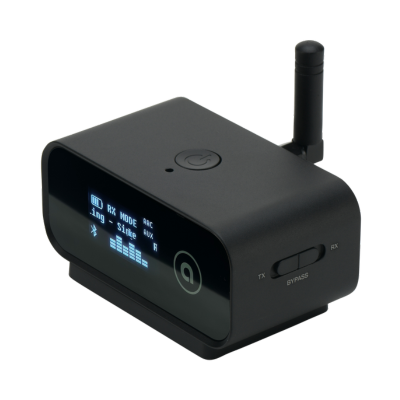
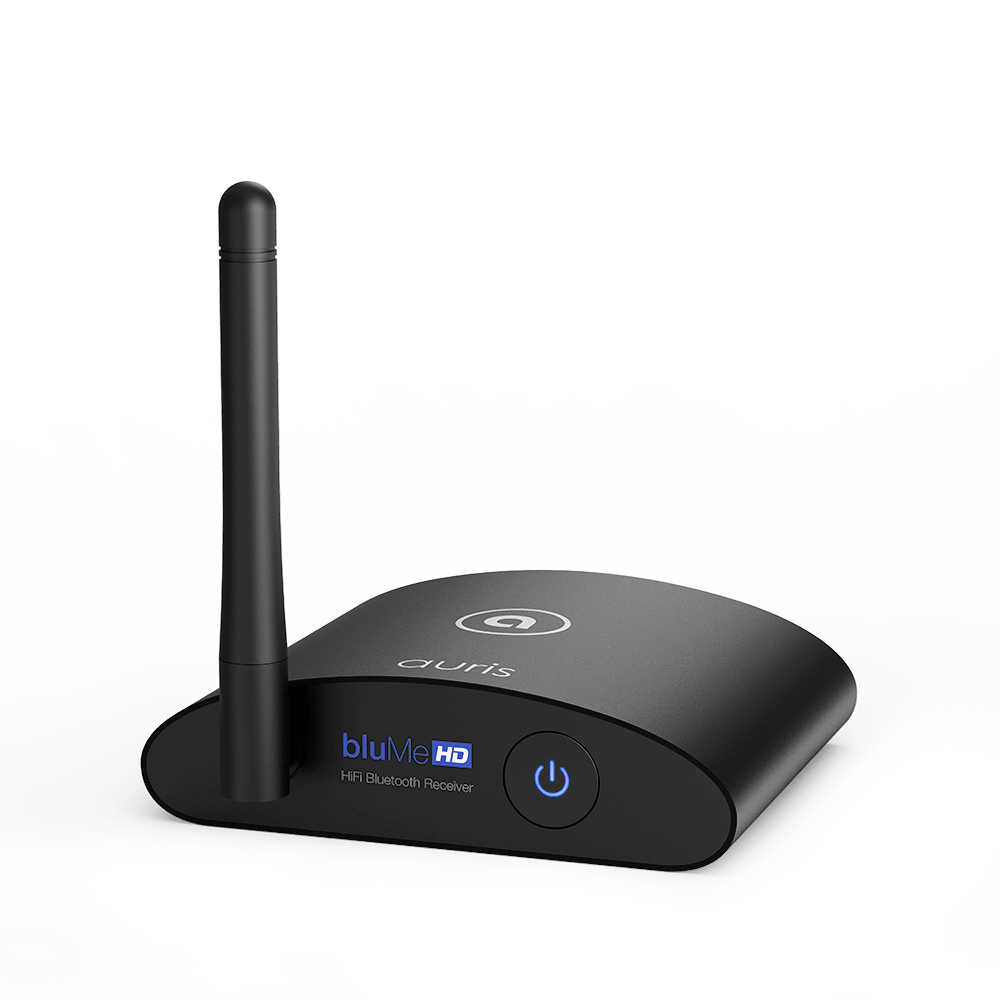
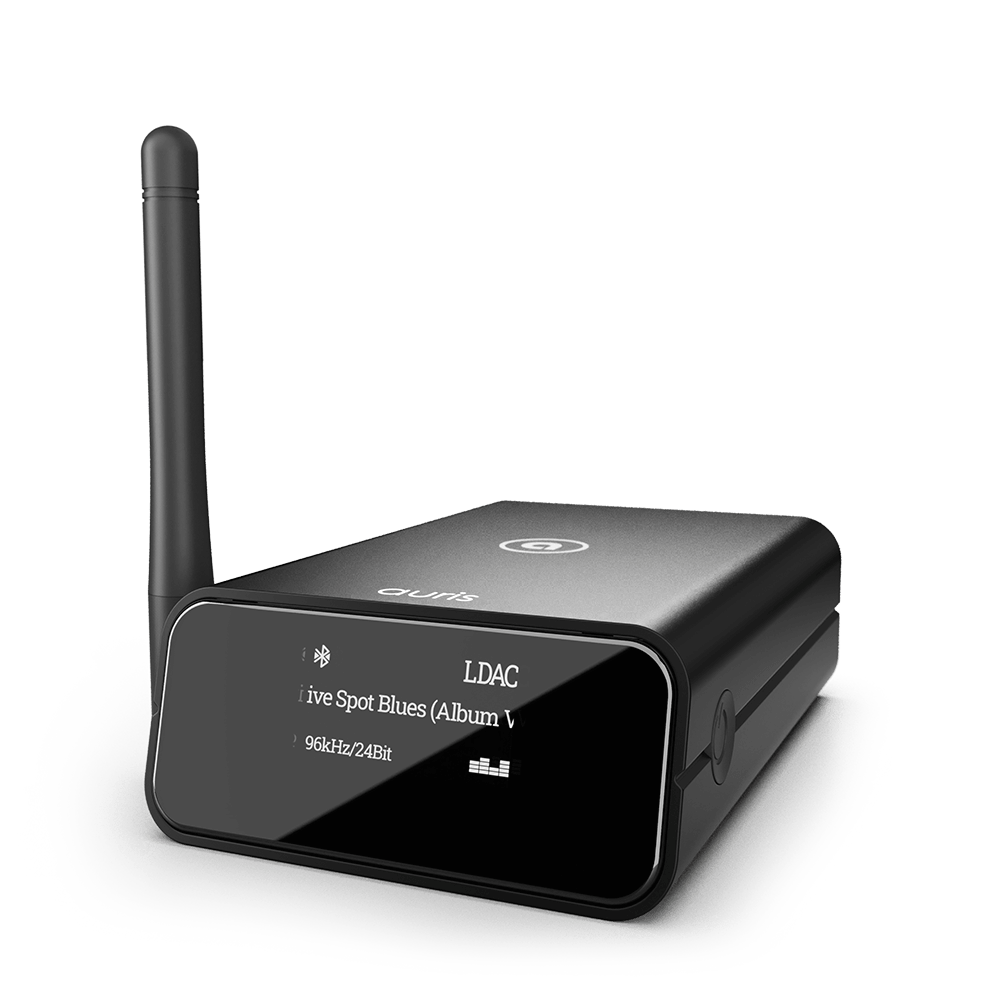
Both the Auris bluMe HD ($99) and Auris bluMe Pro ($149) support the same full codec suite over Bluetooth 5.3: SBC, AAC, aptX Adaptive, and LDAC. Both connect via RCA and optical outputs, cover up to 100 feet, and pair in seconds with no app required. The difference between the two is in the DAC hardware - the bluMe Pro uses a higher-grade DAC that upsamples to 32-bit/384kHz, making it the better choice for listeners who want the maximum analog output quality from their stereo.
If you regularly switch between two source devices (phone and laptop, for example), the Auris bluMe Duo ($139) supports simultaneous dual-device pairing so you can switch sources without re-pairing. It shares the same Bluetooth 5.3 and codec support as the HD and Pro.
All three connect to any vintage stereo with a free AUX, CD, or TAPE input. Setup takes under two minutes and requires no Wi-Fi, no app, and no router configuration.
The Bottom Line
Your vintage stereo does not need to be replaced to play Spotify. A Bluetooth audio receiver is all it takes to bridge your existing analog hardware with modern streaming. For most listeners, the audio quality over aptX Adaptive or LDAC comfortably exceeds what Spotify currently streams, which means the only limit is the platform itself.
Once connected, your vintage stereo plays every song on Spotify, at the best quality Spotify offers, through the speakers and amplifier you already trust.
Ready to upgrade your setup? Explore the Auris bluMe receivers and find the right match for your system.
Sources: Spotify Audio Quality - Spotify Support | Streaming 101: AirPlay vs Spotify Connect vs Bluetooth - Orbitsound | How to Add Hi-Fi Streaming to Your Home Stereo - Crutchfield | Spotify Lossless - What Hi-Fi?